
Newsletters & sequences
Send a newsletter with a personal deadline
Add an evergreen countdown and send readers to their own checkout offer.
Added to the help center: November 2, 2026
On this page
Prepare the offer
Publish your evergreen campaign and the checkout linked to its offer. Have the public checkout URL ready. In ApresMail, create an email campaign, choose the sender, write a subject line and draft your invitation.
Insert the subscriber’s countdown
In the email editor, select Countdown. Choose your published Apresly campaign, enter the Checkout link and click Insert. Use the link produced for the offer so the subscriber’s deadline follows them to checkout.
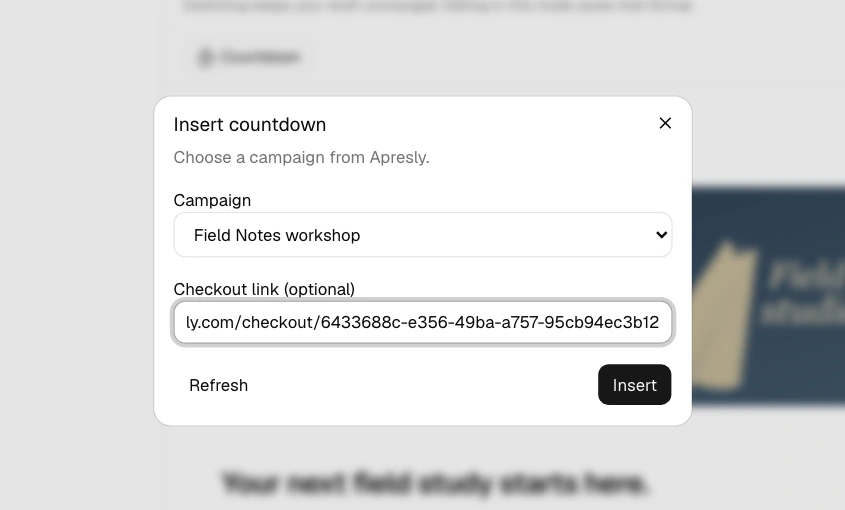
If the campaign is missing, check that it is published in the connected workspace, then select Refresh in the countdown dialog.
Verify the invitation
Preview the desktop and mobile layouts and send yourself a test for formatting. To check the actual offer, send to a small group containing your own subscribed address. Open the link from the delivered email and compare the deadline and price with checkout.
Select the intended audience, check the recipient count and review the campaign before sending. For readers who join later, set up a welcome sequence.