
Courses & community
Teach a skill.
See it in practice.
Students can finish a lesson, share their work and get feedback in your course community.
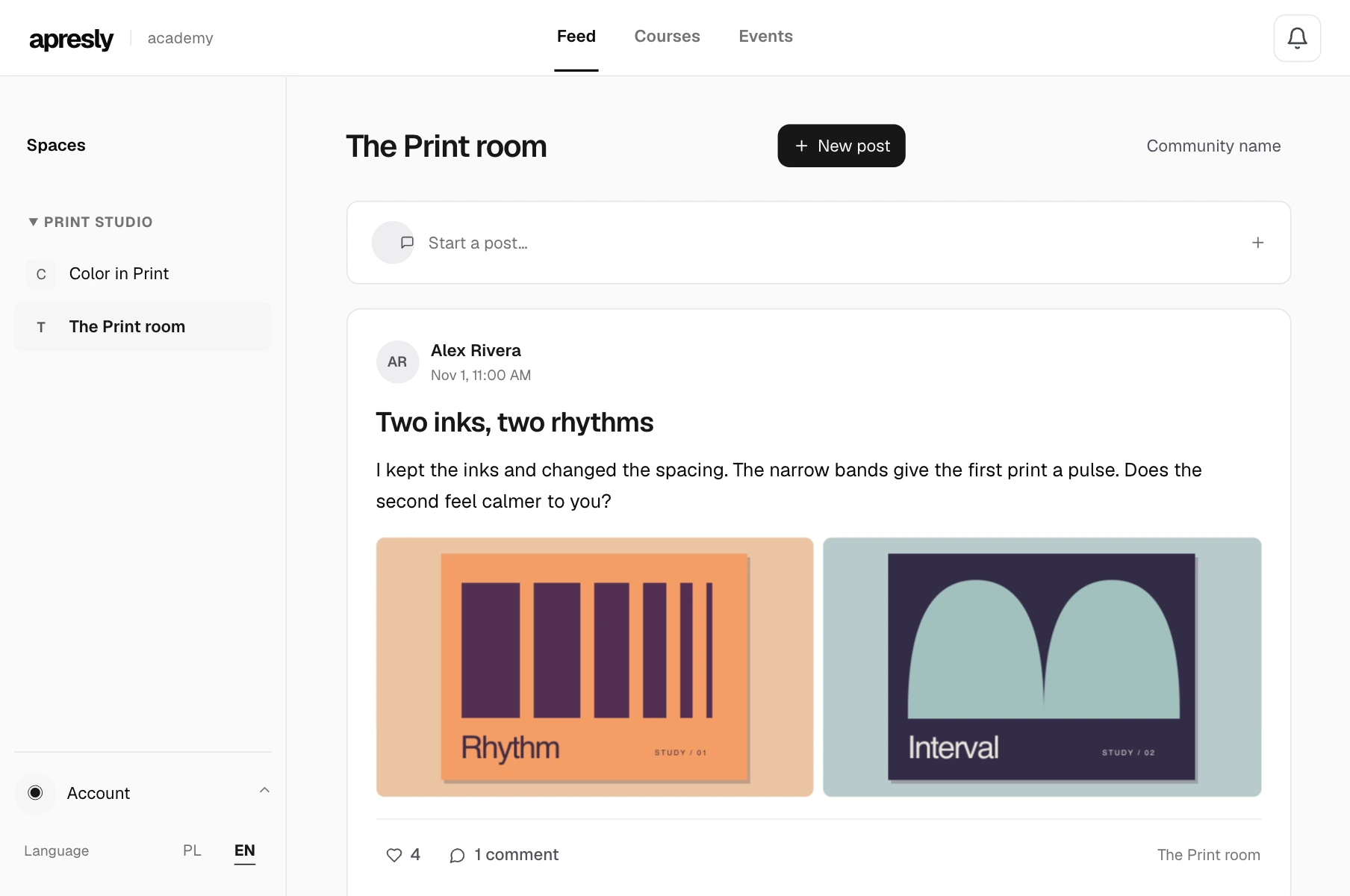
Read the classmate’s reply

From checkout
to the first lesson.
Choose a course under After purchase. Buyers get access as soon as their payment goes through.
Explore checkout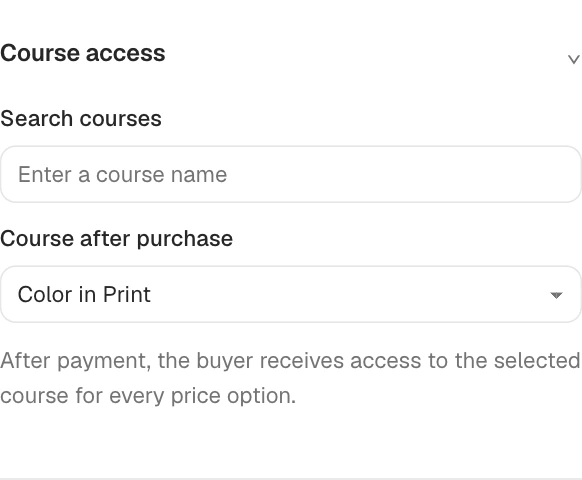
Build a course at
your students’ pace.
Draft lessons in Markdown or formatted text, embed video and preview the student view.
Open every module at once, set dates for a cohort, or unlock lessons a few days after each student enrolls.
View the lesson draft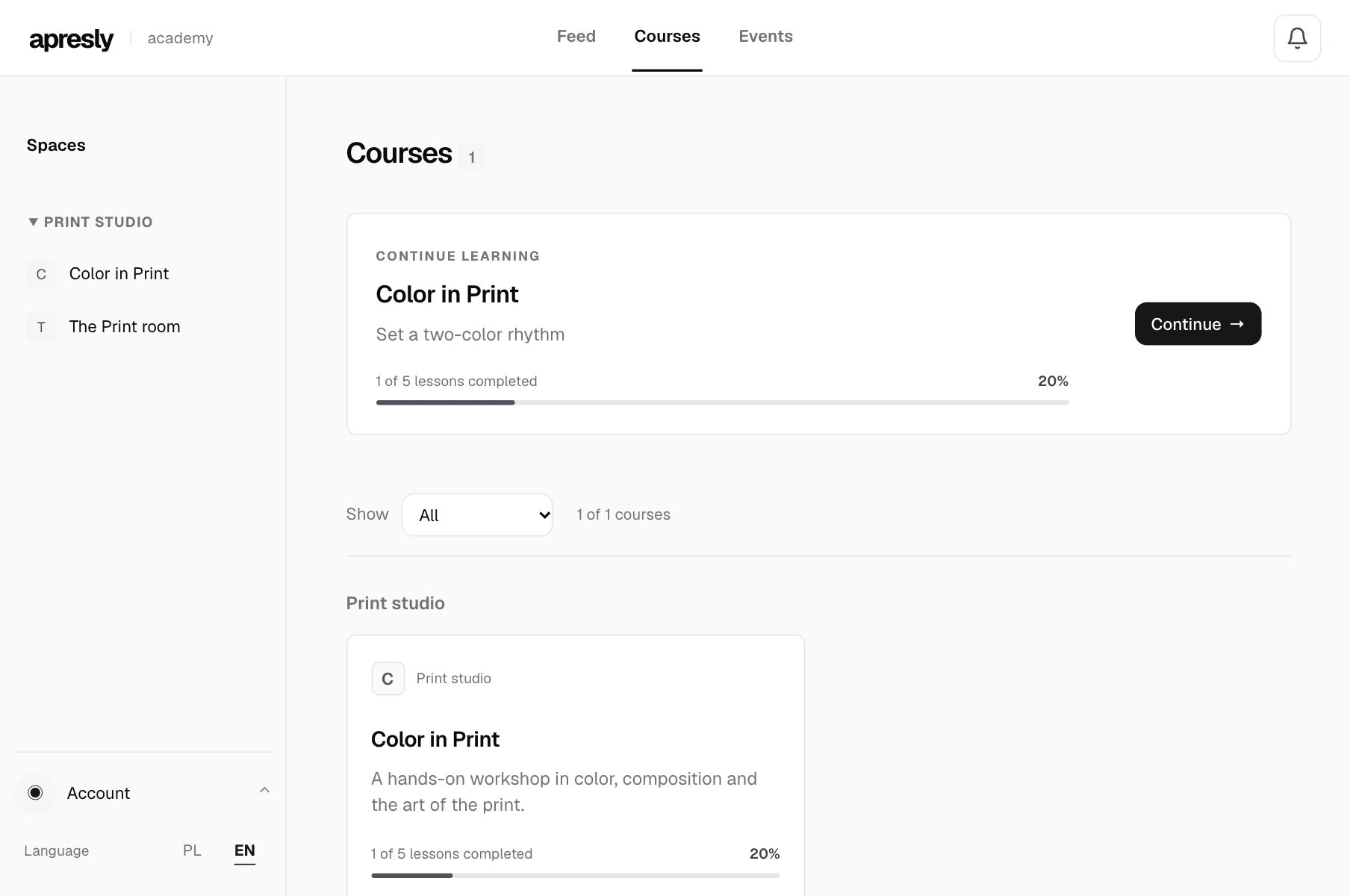
Return to the right lesson.
The library remembers the student’s place. Continue opens their next exercise.
Open full screen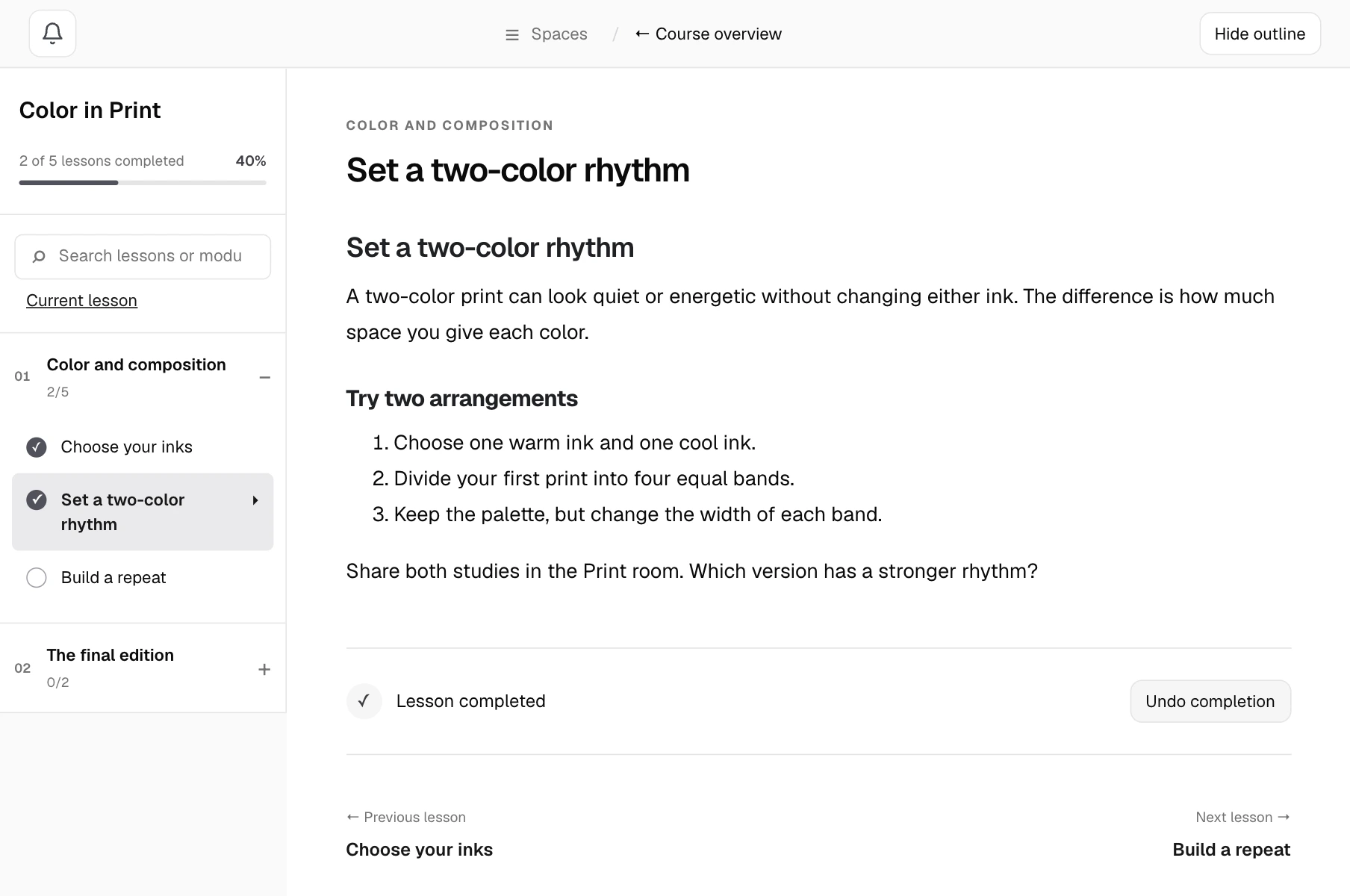
Read, practice and mark it complete.
Marking the exercise complete updates the outline and progress bar. Here, the student has finished two of five lessons.
Open full screen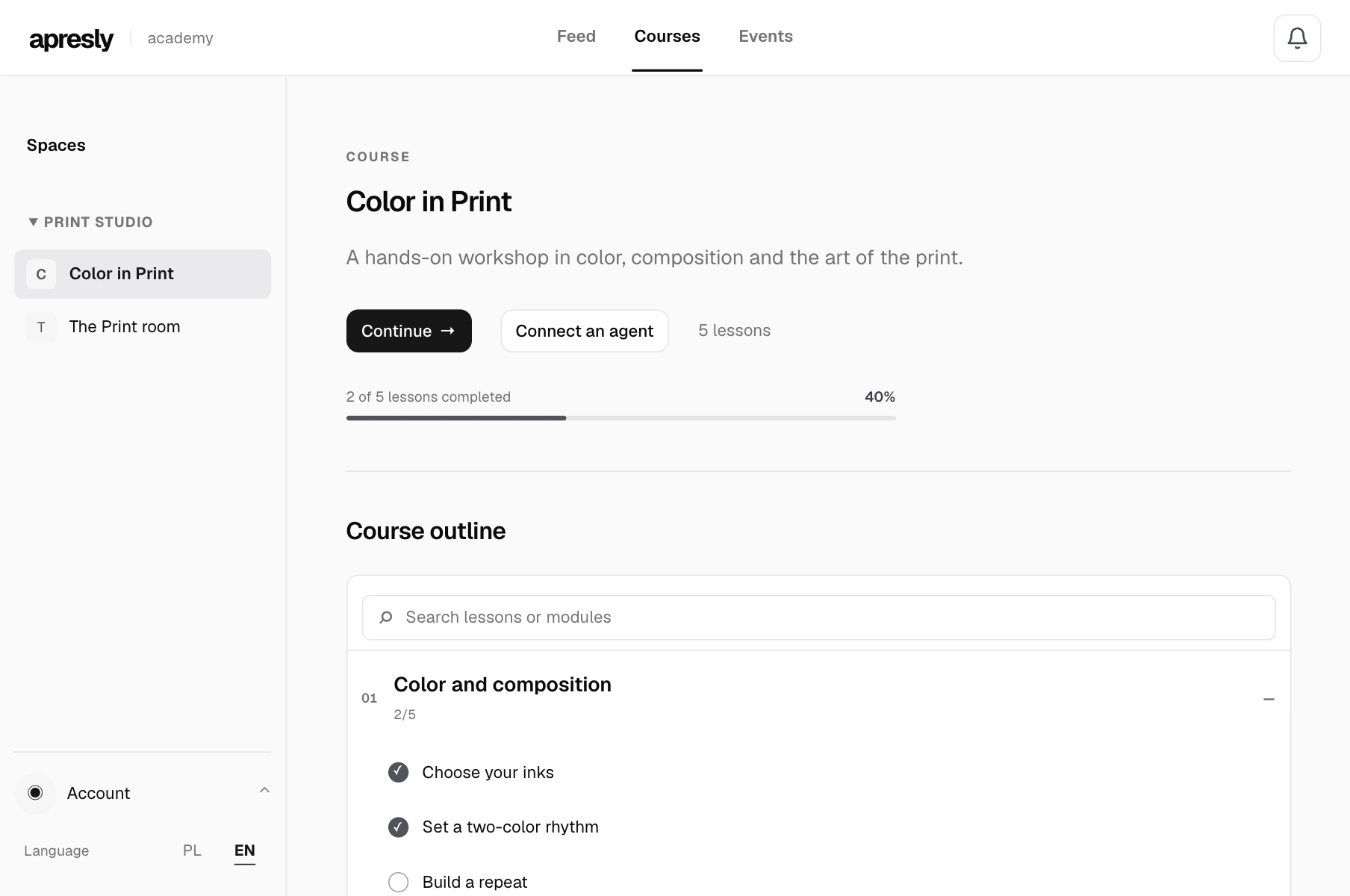
Know what comes next.
Search the curriculum, revisit a finished exercise or see which module opens next.
Open full screenFollow a student
through the workshop.
Watch a student finish a lesson and read feedback on their prints.
Work on your course
from Codex or Claude.
For the course creator
Connect an assistant to your seller workspace through MCP to read a module, draft a lesson or prepare a discussion prompt.
“Find the Color and composition module. Draft a follow-up exercise for students who have finished their two-color prints.”
For the student
Students choose Connect an agent in their course and approve access. Their assistant can then find passages from published lessons available to them.
See the connection settings
I use Apresly every day and recommend it to anyone who’s serious about building sales funnels.