ApresMail

One email. Personal deadlines.

Each reader sees their own countdown. Their price holds through checkout.

View the example workshop email
ApresMail campaign editor with the Field Notes workshop invitation, visual and Markdown modes, and the Countdown button.The same illustrated workshop email opened in ApresMail’s mobile inbox preview.
Editor and mobile preview from a sample workshop campaign.

Inside a workshop campaign.

Select a campaign screen
Follow a workshop email from campaign selection through audience and results.

From draft to delivery.

Follow the workshop invitation from the first draft to the results. Select a step for a closer look.

The Insert countdown dialog with Field Notes workshop selected and its checkout URL filled in.

Add the offer deadline.

Choose a published campaign and paste its checkout link. Each subscriber’s email and checkout will use their personal cutoff.

The campaign review screen lists completed checks and controls to send a test or preview the email.

Check the inbox experience.

Open desktop or mobile preview, check the subject and unsubscribe link, then send yourself a test.

Workshop waitlist is selected under Audience groups. Print collectors and Studio members remain unselected.

Invite the workshop waitlist.

Select your waitlist, narrow it with a segment and review the eligible recipients before you send.

Example sent campaign report with delivery, open, click, bounce, complaint and unsubscribe statistics above the message.

See what readers clicked.

Read delivery, open and click counts alongside the exact issue your subscribers received.

A welcome sequence that runs on their time.

Send a field guide when someone joins your waitlist, then invite them to the workshop two days later. A Friday signup gets the same time to decide as a Monday signup.

Read the sequence guide
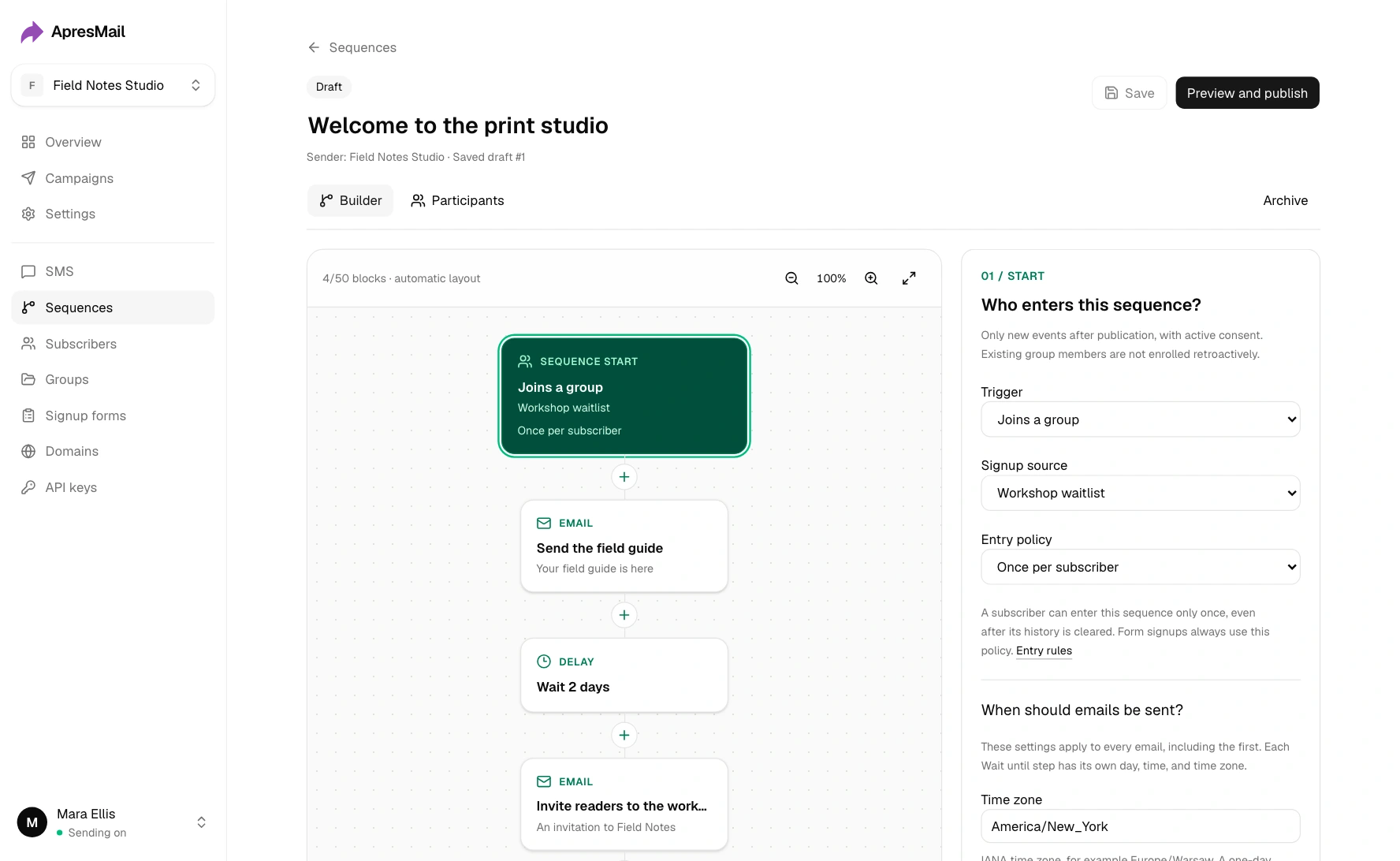
The visual sequence starts when a reader joins Workshop waitlist, sends a field guide, waits two days and sends an invitation.

Draft in Codex or Claude. Review in ApresMail.

Connect through MCP to draft an invitation, build its sequence or pull the campaign report. Grant permission to send separately.

Connect an AI assistant
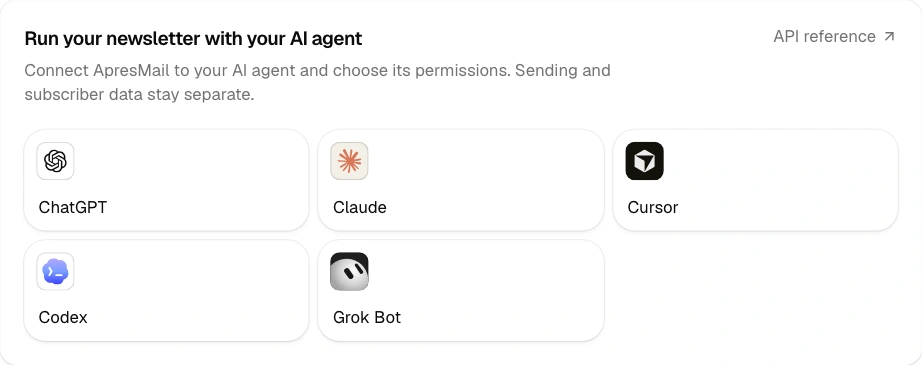

ApresMail’s connection panel lists ChatGPT, Claude, Cursor, Codex and Grok Bot.
Tom Guzik
I use Apresly every day and recommend it to anyone who’s serious about building sales funnels.
Tom GuzikAuthor of The Funnelist

Give your next offer a deadline.