
Courses & community
Publish your first course
Build a lesson, preview the student experience and attach the course to a purchase.
Added to the help center: November 2, 2026
On this page
Build the first lesson
Set your platform address in the course platform settings. Create a course, add a module and add its first lesson. Give the lesson a title and add the material a student needs to complete it. Save your changes.
Check the student experience
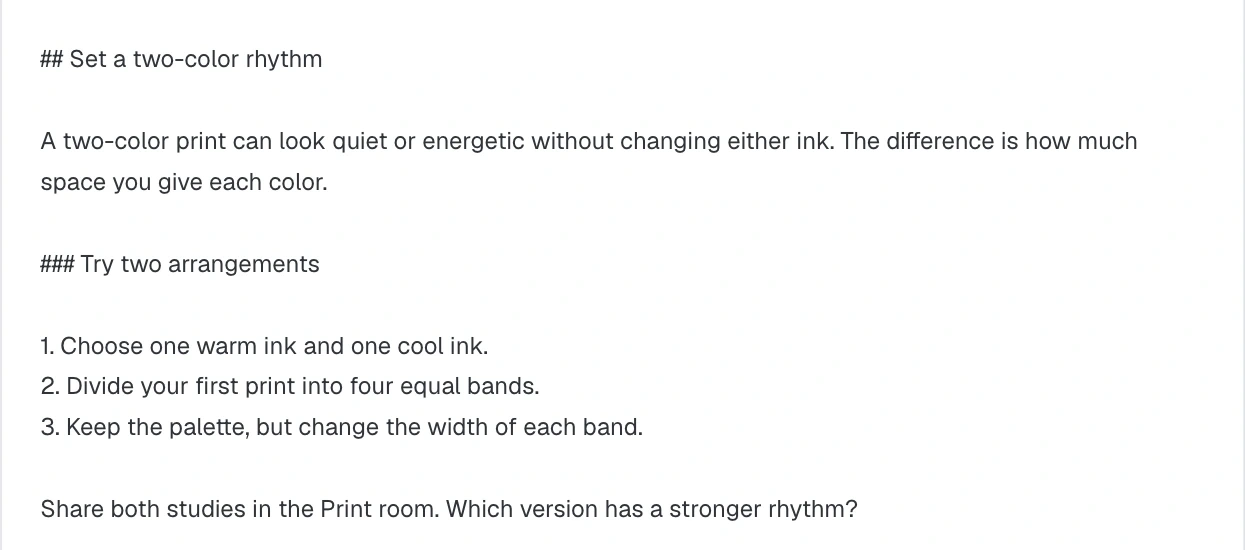
Use student view to open the lesson. Check that the text, media and navigation work for a new learner. If lessons unlock on a schedule, check what is available on day one. For a workshop, a useful first discussion asks students to post a sample of their work.
Give buyers access
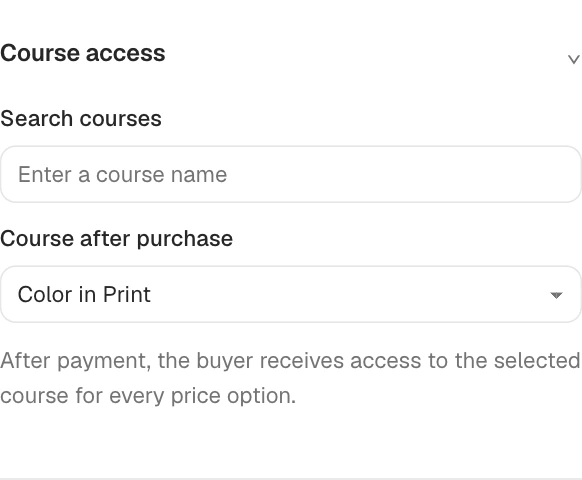
Publish the course. In your checkout, open After purchase, select the course and check which price options grant access. Publish the checkout changes. After a successful live purchase, check the buyer’s enrollment in the course members list.
Continue to checkout setup.