Courses & community
Open a discussion space for students
Give course members a place to share an exercise and reply to one another.
Added to the help center: November 2, 2026
On this page
Create the space
In the seller community, open Spaces and choose New Space. Give it a name students will recognize, such as Workshop feedback. Enable member posting if students should be able to start their own discussions.
Give students access
Check the space’s access settings. Use access groups to grant access to the space or its group of spaces. Review any existing course links, which can also give course participants access.
Start the first discussion
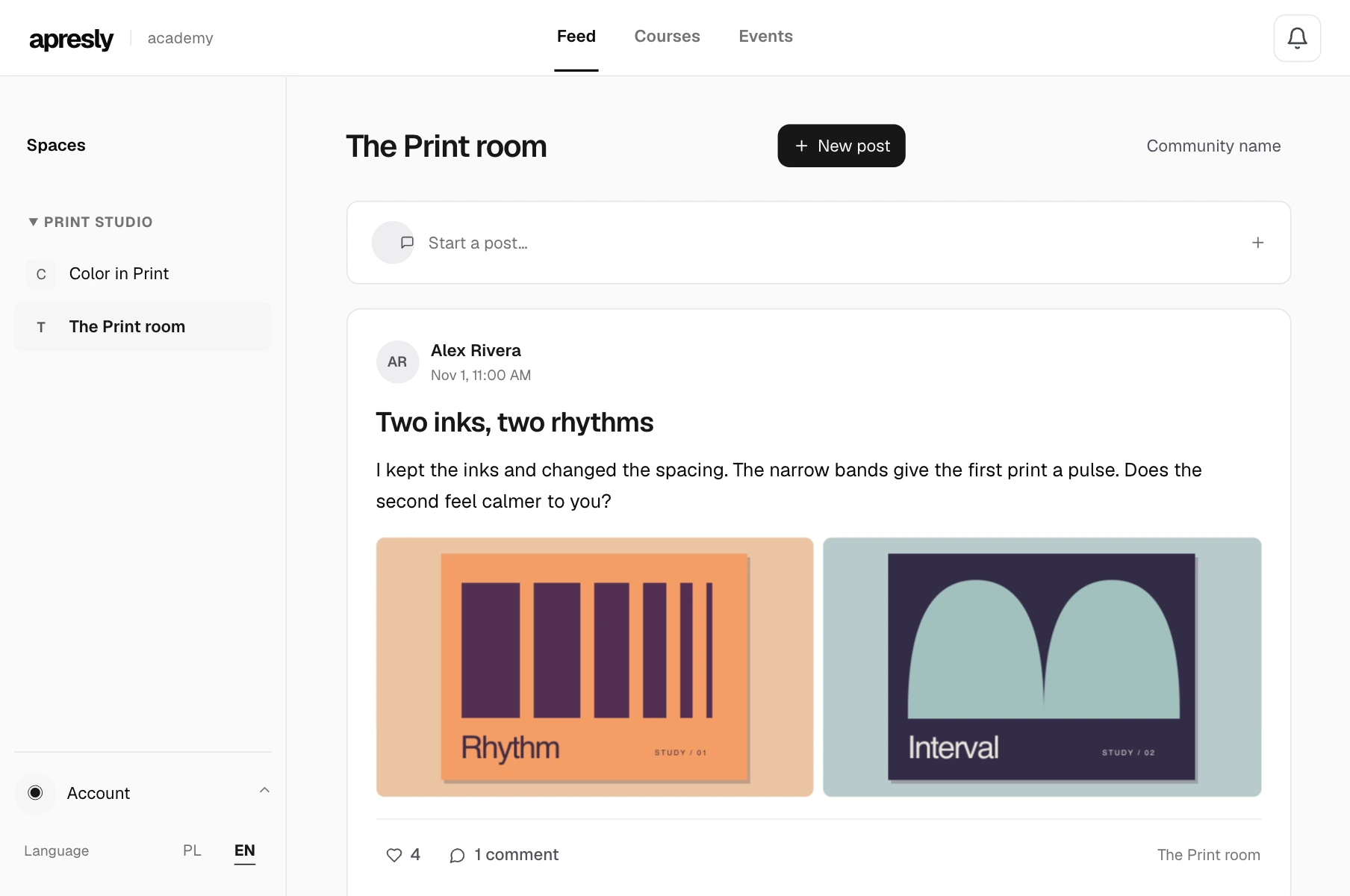
Open the space and create a post. Ask one specific question, such as “Which of your two prints is easier to read, and why?” Open the community as a learner with access and check that the post is visible and replies are available.