Black Friday · through December 10

Your first year with Apresly.
40% off.

Email your offer, take payment at checkout and give buyers access to your course. Every plan includes all three modules plus evergreen campaigns.

Explore annual plans Sales have not opened yet.
Annual plans

Find your plan.

Save 40% on your first year compared with twelve monthly payments. Prices exclude tax. Stripe shows your total before you pay.

Starter

For your first course and mailing list.

12 × $39 = $468
$280.80 / first year

Save $187.20

From year two $384 before tax / year

Newsletter contacts
1,000
Marketing emails / month
10,000
Active products
5
Published courses
3
  • 3 active campaigns
  • Basic campaign reports
View Starter

Professional

For teams with a large audience and course catalogue.

12 × $149 = $1,788
$1,072.80 / first year

Save $715.20

From year two $1,488 before tax / year

Newsletter contacts
15,000
Marketing emails / month
100,000
Active products
100
Published courses
50
  • Unlimited campaigns
  • Apresly Analytics on rollout
  • Automated webinars · coming soon
View Professional
Compare plan features

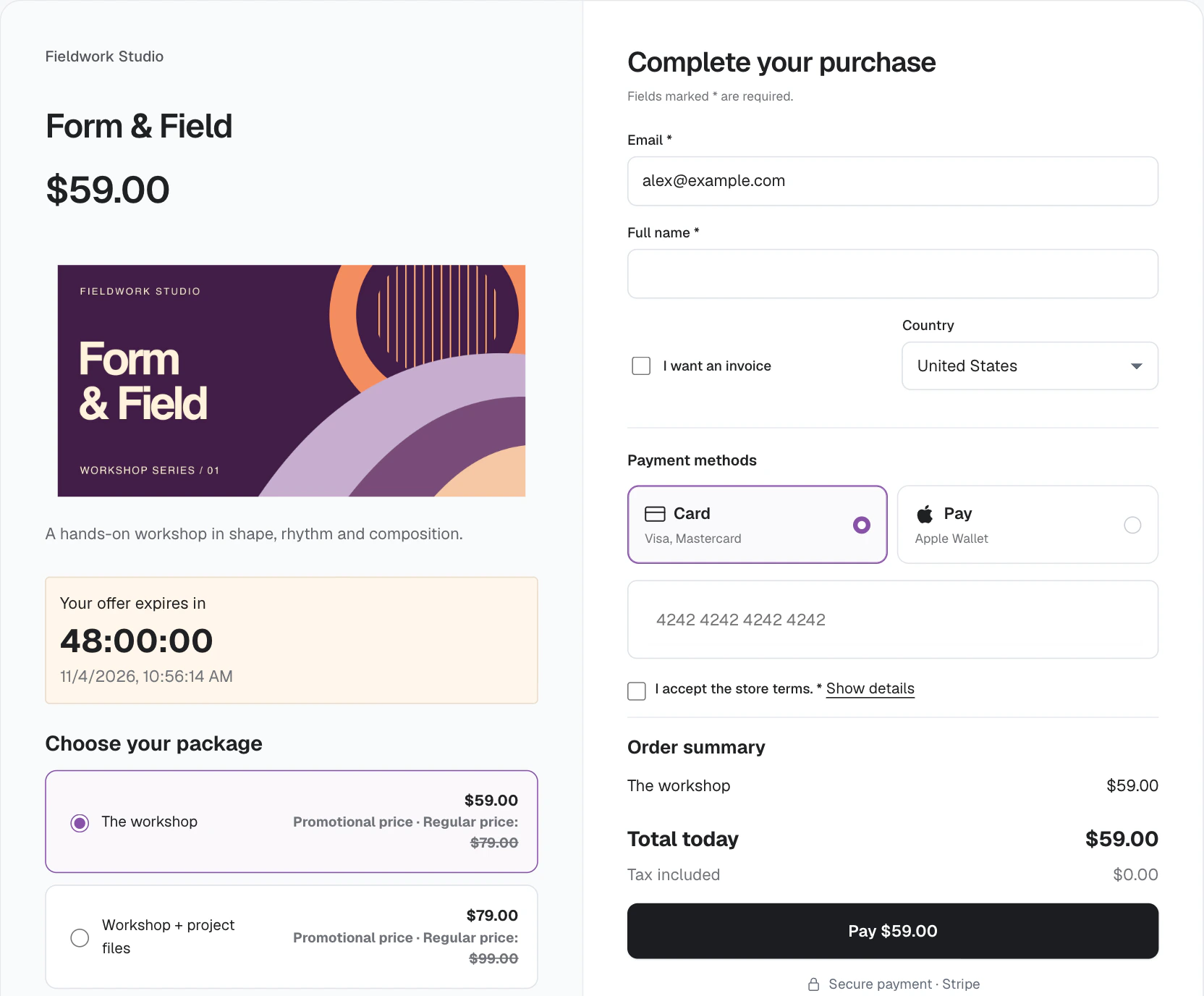
Checkout and payments

Your payment provider, such as Stripe, charges its own processing fees.

FeatureStarterCreatorProfessional
Apresly sales commission0%0%0%
Active products for sale525100
Sales revenue or order limitUnlimitedUnlimitedUnlimited
Product bundles, e.g. a course with an ebookYesYesYes
One-time payments, monthly instalments and subscriptionsYesYesYes
Fixed-amount and percentage discount codesYesYesYes
Promotional pricing until each buyer’s deadlineYesYesYes
Offer an extra product at checkout (order bump)NoOn rolloutOn rollout

A bundle sold as its own offer counts as one active product. Its payment options and discount codes use the same slot.

Email marketing

FeatureStarterCreatorProfessional
Newsletter contacts1,0005,00015,000
Marketing emails / month10,00030,000100,000
Collect signups with an embedded form or a standalone signup pageYesYesYes
Import your existing contacts from a CSV fileYesYesYes
Send an offer to a group or segment, such as recent subscribersYesYesYes
Preview the email on mobile and send yourself a testYesYesYes
Schedule a newsletter for a specific date and timeYesYesYes
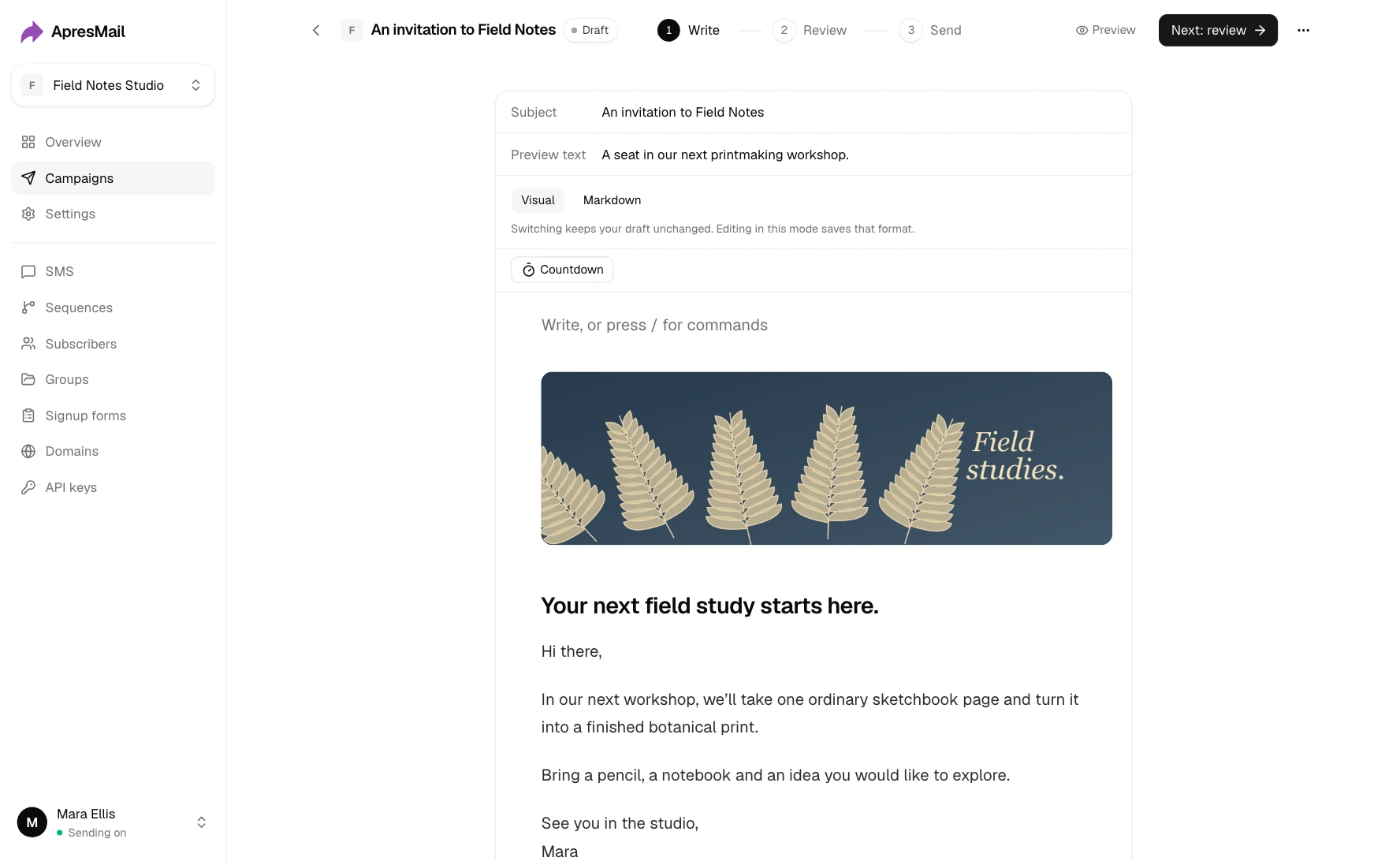
Set up a welcome series, such as a guide on signup and a workshop invitation two days laterYesYesYes
Add a countdown to each subscriber’s offer deadlineYesYesYes
See deliveries, clicks and unsubscribes for each newsletterYesYesYes

An issue sent to 1,000 subscribers uses 1,000 sends. Automated emails draw from the same monthly allowance.

Course platform

FeatureStarterCreatorProfessional
Published courses31050
Active students / month (reporting threshold)2501,0005,000
Arrange modules and lessons into a course outlineYesYesYes
Combine lesson text with an embedded video, for example from VimeoYesYesYes
Preview a lesson as a student before publishingYesYesYes
Give buyers course access automatically after an Apresly Checkout purchaseYesYesYes
Release the whole course at once or set lesson dates for a cohortYesYesYes
Unlock lessons on each student’s own schedule, such as one week after enrollmentYesYesYes
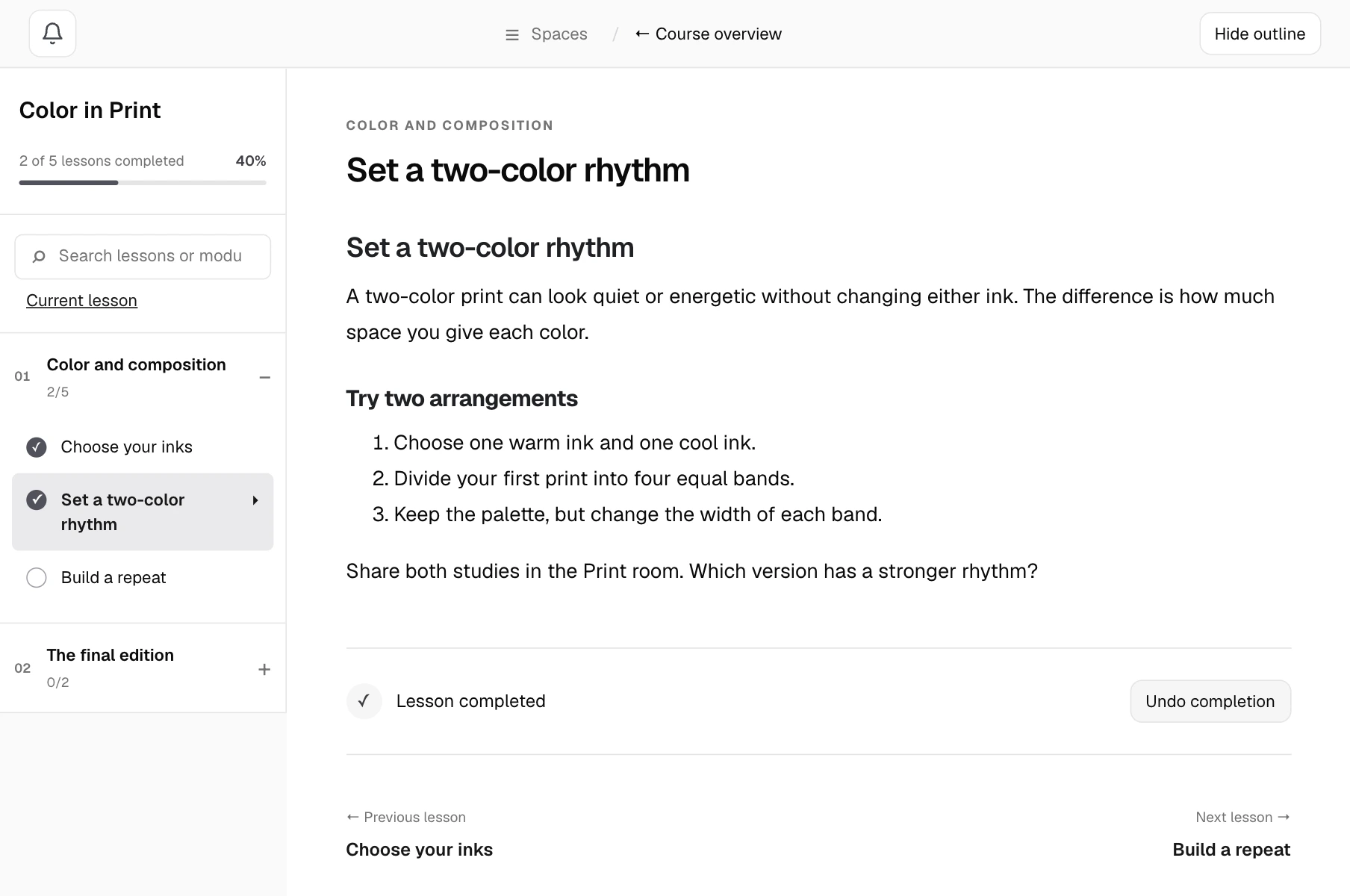
Give students a course library where they can see their progress and resume learningYesYesYes
Discuss coursework with students in posts and commentsWith community enabledWith community enabledWith community enabled

A course counts toward your limit while at least one student has access. Students keep access to their lessons if you exceed the monthly active-student threshold.

Campaigns and sales reporting

FeatureStarterCreatorProfessional
Deadline campaign leads / month2,50015,000100,000
Active deadline campaigns3UnlimitedUnlimited
Personal deadlines and basic campaign reportsYesYesYes
Social proof, emotional and exit popupsNoYesYes
Sales tracking and tracking linksNoYesYes
Apresly AnalyticsNoOn rolloutOn rollout
Limit BarSeparate add-onSeparate add-onSeparate add-on

Team and storage

FeatureStarterCreatorProfessional
Administrators including the owner1310
File storage in supported modules1 GB5 GB20 GB

Automated webinars

FeatureStarterCreatorProfessional
Active webinar funnelsNoNoComing soon · up to 5
Recording library on rolloutNoNo20 hours and 100 GB
Video transfer / month on rolloutNoNo2 TB · 1080p
New registrations / month on rolloutNoNo10,000

The recording library and video transfer allowances apply to automated webinars once the feature launches.

From newsletter to first lesson.

Getting started

From payment
to your account.

  1. Pay for your plan

    Enter your email. Stripe shows your annual subscription total and takes your payment.

  2. Check your inbox

    After payment is confirmed, we prepare an account for the email you used at checkout.

  3. Set a password and get started

    Open the email, set a password and sign in to your Apresly dashboard.

FAQ

Before you buy.

How do you calculate the 40% saving?

We multiply the monthly price by 12 and take 40% off that total. For Starter, that’s $39 × 12. With the discount, your first year costs $280.80 before tax.

How do I get access after checkout?

Enter your email and pay for your subscription with Stripe. Once payment is confirmed, we prepare your account and email you instructions to set your password.

When does the offer end?

The final day is December 10, 2026. Open checkout before 11:29 p.m. Warsaw time and complete payment before midnight.

How much will I pay at renewal?

The discount applies to the first year. From year two, your subscription renews at the standard annual plan price plus applicable tax. Both prices appear beside each plan.

How do limits work with annual billing?

Your marketing email allowance renews each month. The contact limit is the number of active subscribers you can have at one time. Product and course limits apply to active checkout offers and courses shared with students.

I already have an Apresly account. What should I do?

Pick a plan and enter the account owner’s email. If you’re signed in on this browser, you’ll go straight to Stripe. Otherwise, enter the code we email you. Stripe shows the credit for your current plan before you confirm the change. Choose a plan